Delete files and folders in the media library
How to manage files in the media library
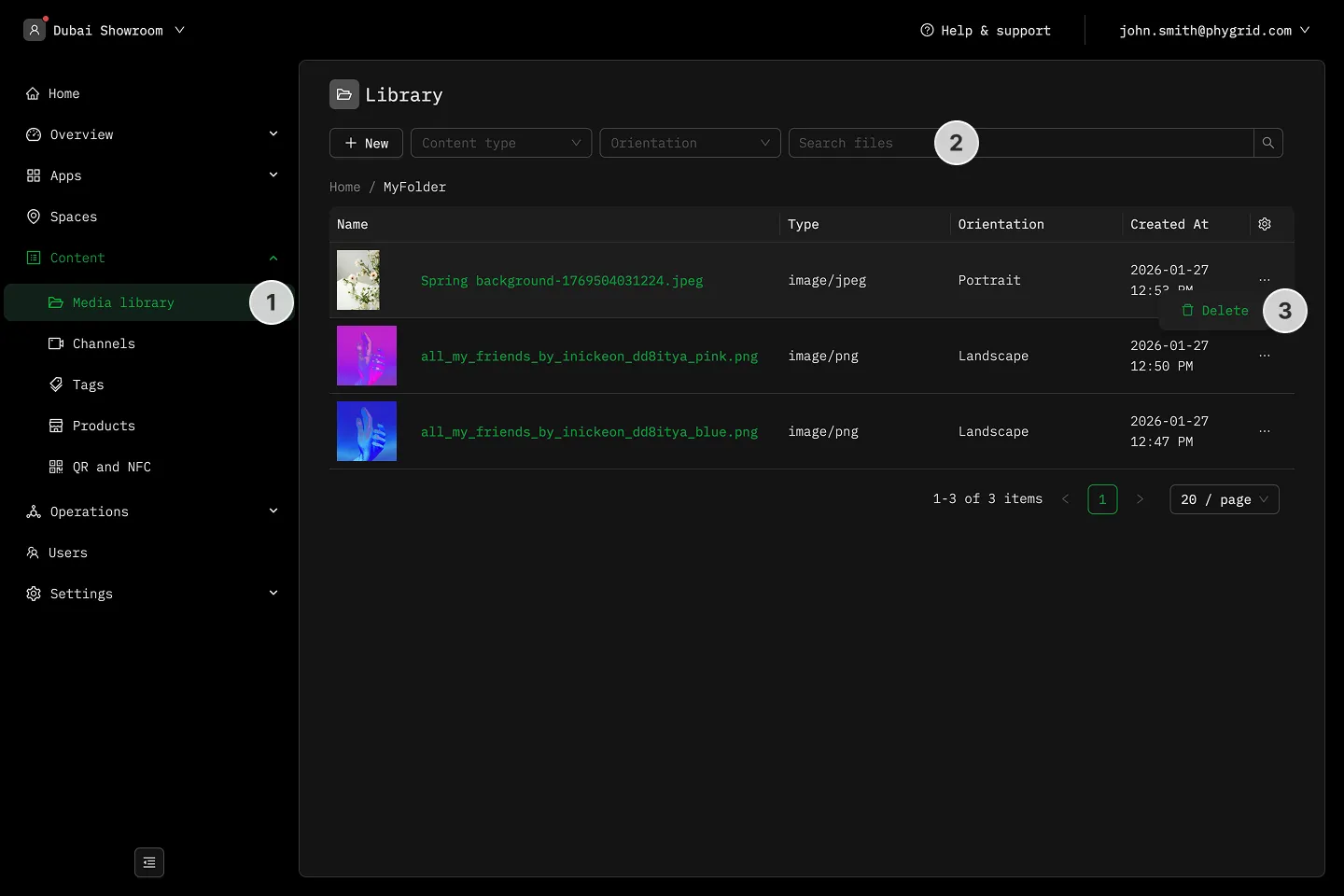
Section titled “How to manage files in the media library”- In the sidebar, navigate to Content → Media library
- Use filters or the search bar to look for specific content
- Click on the More (···) button in the list for the file or folder you wish to remove, then click Delete